
Google Lança Tradução em Tempo Real para Todos os Auscultadores
Google Lança Tradução em Tempo Real para Todos os Auscultadores
aitech.pt
aitech.pt
Google Rolls Out Real-Time Translation for Any Headphones
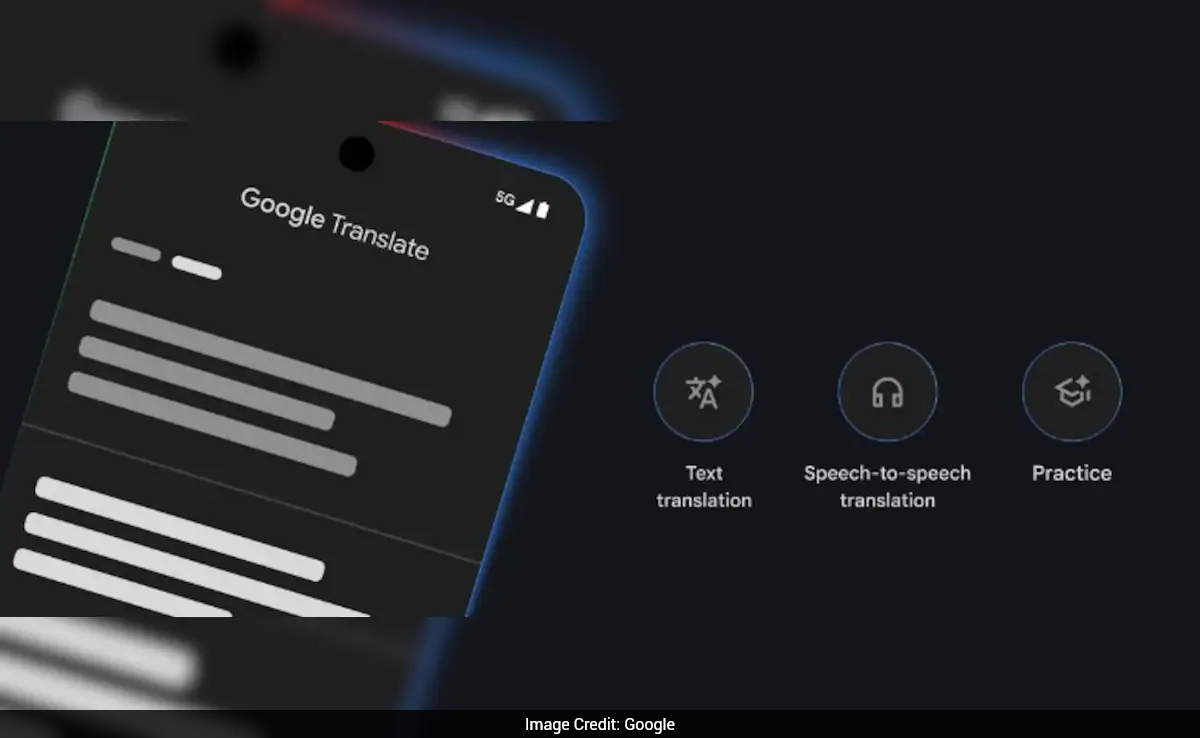
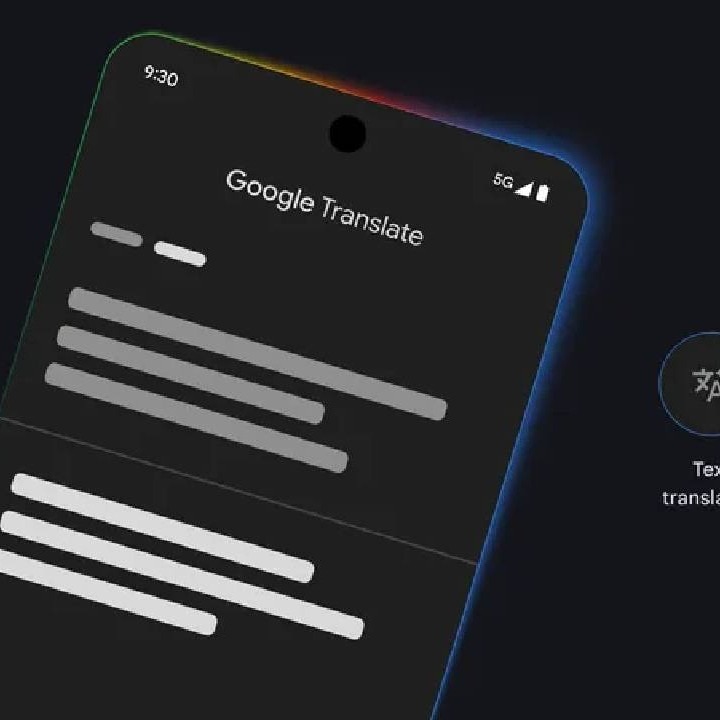
Recent advancements in communication technology have made significant strides, and Google’s latest feature in its Google Translate app marks a monumental step forward. The tech giant has introduced a revolutionary real-time audio translation capability powered by its innovative Gemini technology. This feature, now available in beta, allows users to perform voice translations seamlessly using any headphones, greatly enhancing multilingual communication.

Overview of the New Functionality
The latest update aims to transform the user experience for live conversation translations, overcoming the limitations of previous translation models. The Gemini 2.5 Flash Native Audio technology not only translates spoken words but also captures essential vocal elements such as tone, emphasis, and cadence. As a result, translations sound more authentic and natural, resembling the way people genuinely communicate.
Key Features of Real-Time Translation
Here are some standout features of this groundbreaking functionality:
| Feature | Description |
|---|---|
| Support for 70+ Languages | More than 70 languages supported, covering over 2000 language pairs. |
| Conversational Capability | Ideal for engaging in conversations, attending conferences, or enjoying foreign-language content. |
| Noise Filtering | Effectively identifies and filters background noise, ensuring clear and accurate translations. |

How to Use the New Real-Time Translation Feature
To take full advantage of Google Translate’s new real-time translation, follow these steps:
- Pair Your Headphones: Connect any available headphones to your device.
- Open the Google Translate App: Currently available for Android devices.
- Choose “Live Translation”: Select this option in the app interface.
- Select Languages: Choose the desired languages or enable the “Detect” feature.
- Start Conversing: The full-screen interface will show transcriptions as translation occurs.
Availability and Rollout Timeline
This exciting feature rolled out on December 12, 2025, with initial availability in the United States, Mexico, and India. Plans for expansion to iOS users and additional countries are expected in 2026. Furthermore, the Google Translate team continually aims to refine text translations, concentrating on idiomatic expressions and slang, thereby enhancing the tool’s overall comprehensiveness.
Limitations and Considerations
While this feature introduces impressive innovations, it is beneficial to be aware of certain limitations:
- Currently in Beta: The functionality is still in beta, and Google is committed to refining the model based on user feedback.
- Separation from Other Features: This update should not be confused with enhancements entering Gemini Live in Google Search, which utilizes similar technology for conversational updates.
Summary: Pros and Cons of Real-Time Translation
| Pros | Cons |
|---|---|
| Seamless real-time translations using any headphones. | Still in beta, with ongoing improvements needed. |
| Captures emotional nuances for authentic translations. | May not cover all dialects or regional variations. |
| Supports a wide range of languages. | Requires an internet connection for best performance. |
Conclusion
The launch of real-time audio translation by Google Translate is a significant leap forward in the evolution of automatic translation technologies. By enabling the use of any headphones and retaining the nuances of human conversation, this feature promises to transform the way we communicate in multilingual settings.
As the future of real-time translation becomes more accessible and effective, Google continues to lead the way in technological innovation. Stay tuned for more updates and prepare for a new era of global communication. For more insights, check out this explanatory video detailing the new feature.
Sources
Share this post
Like this post? Share it with your friends!